Wednesday, November 26, 2014

FINAL PROJECT: ADDING 5 PDF PAPERS TO MY IMMERSIVE LIBRARY


Here is a screenshot of me adding one of my research papers that I had gathered in the previous weeks onto my virtual world. 
Here I am adding another paper to my world. I entered the URL for the object that I created in the box to the left. 
Here is another paper that I added . In this screenshot I am controlling the page with the mouse. 
In this screenshot I added my final paper to my virtual library and I am trying to place it neatly in order near the others. 
Here I stepped back and took a screenshot of all of my papers in my library. 

This is me adding five of my research papers to my virtual world on Meshmoon. I did that by creating shapes and placing the papers in them. This is a final exercise from the Immersive Education course that I am taking at Boston College. The course is called Discovering Computer Graphics. For details, visit the immersive BC portal at http://ImmersiveEducation.org/@/bc


Thursday, November 20, 2014

WebGL Chrome Experiments the FAIL IN FIREFOX

Here is an example of the fail message that I received when I tried to open the WebGL experiments on Firefox. 

It seemed that Firefox does not support WebGL so all of the experiments that I tested both of mine and my classmates failed to operate on Firefox. I would keep getting messages like the one shown above or the experiment just did not load. Below is a list of the WebGL experiments that I tested and they failed on Firefox. 


List:

Friday, November 14, 2014

WebGL Chrome Experiments Using Google's Chrome Browser

The first WebGL Experiment that I chose was the Racer S. I chose this experiment because I really enjoyed the graphics  and the sound. 

Here is a screenshot of the racing car going around the track in a spectators view. Racer S
Here is a screenshot of the Experiment in the race car in a drivers view. Incredible graphics. Racer S


The second WebGL experiment that I chose was Car Visualizer Classics. I chose this experiment because I really enjoy looking at older model cars and this experiment you can view different older cars and choose different ones and colors. Really nice graphics. 
This is a screenshot of me viewing this 1963 car. As you can see it had amazing 3D graphics and it allows me to look around using my mouse. Car Visualizer Classics 
Here I am looking at a different car and I selected a different color as well. Here I turned the camera to the back of the car so that I can view the exhaust of this vehicle. That is what is so great about this experiment. Car Visualizer Classics 


The third and last WebGL experiment was the over the hills . I chose this one because I found the graphics and controls really interesting. It allowed me to drop the needle in a record player and then turn the handle to start the music. while the music is playing I can move the record. Amazing experiment and good music. 
Here is a screenshot of the record player before I place the needle down to start the music. over the hills 
In this screenshot the music is already playing and it allows me to move the record to alter the music. Great graphics and control. over the hills  


Final #3: Group 3D Building Project

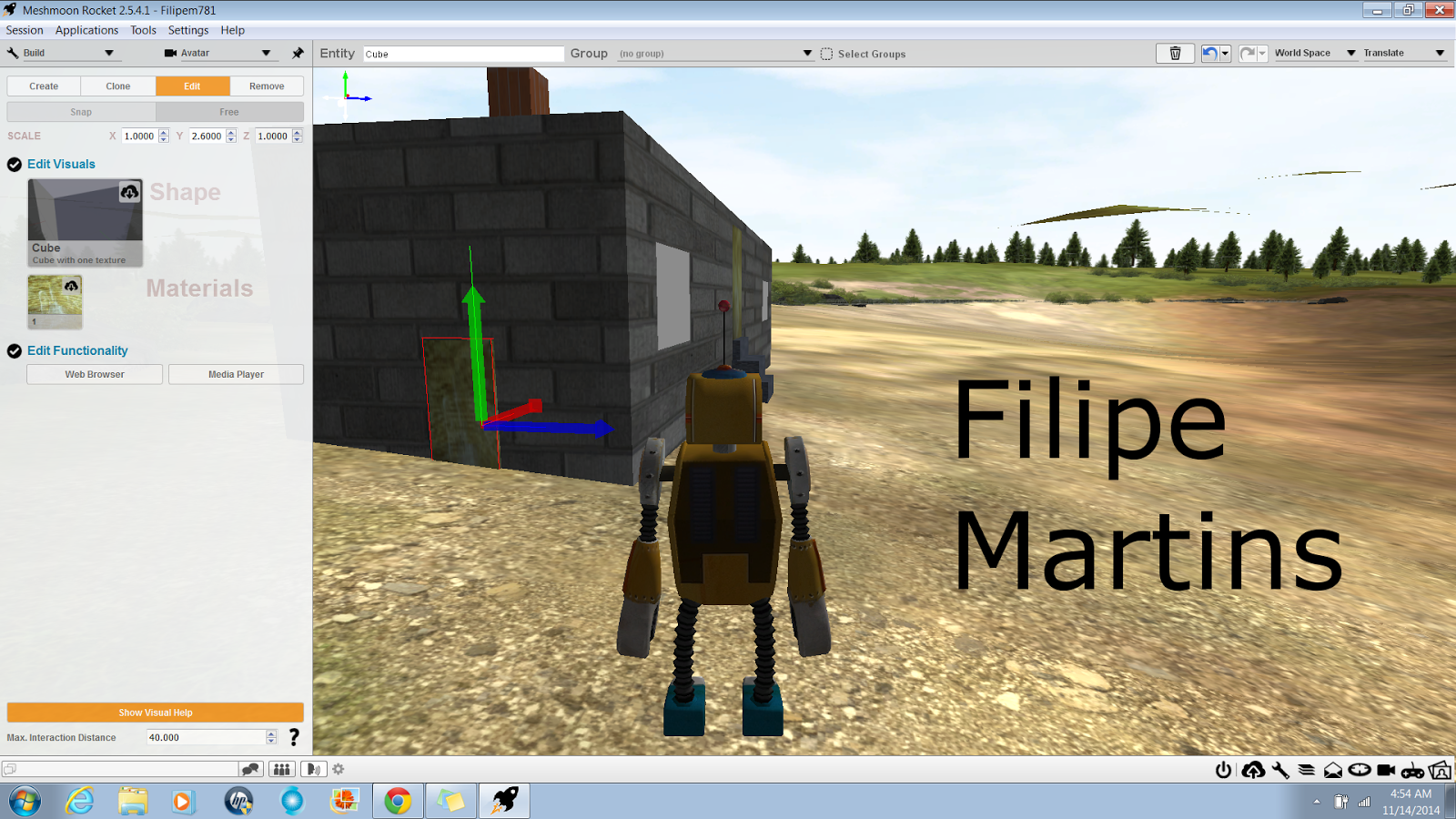
Here I started my part of the project by constructing the house. I put a front door and a chimney on the house as well. 
Here I am making front stairs to the house. 
I am on the roof making the unit for the central air for the house. 
In this screenshot I made four solar panels for the house on the roof. 
Here I am making a side door to the house so that it can have two exits. 
This is me looking at my finished house.

This whole final is a group project. My part of the project was to make the house. My team members will be constructing the surrounding areas around the house. 

This is me working on a group project making a 3D building project. My part of the project was to construct the house . It is a final exercise from the Immersive Education course that I am taking at Boston College. The course is called Discovering Computer Graphics. For details, visit the immersive BC portal at http://ImmersiveEducation.org/@/bc


Learning Ladder work assignment

Here is a screenshot of the work that is being distributed throughout my group. 

Class 11 Leaderboard


Wednesday, November 12, 2014

Final #4:High Resolution Avatar


This screenshot show the option of selecting a head size for your avatar. 
In this screenshot there is an option of selecting a size for the torso. 
In this screenshot I am adding clothes to my avatar but it did not load so well on my computer but as you can see I added shoes, pants, and a shirt. 

In this screenshot I was using the eyelashes option to put different eyelashes on my avatar. 
Here I was using the option for different teeth for my avatar. 
This screenshot shows the option to select the age, gender, muscle, height, weight, and color. All of those option can be controlled totally by you. 
This screenshot shows that I can change the color clothes that I selected for my avatar. In the screenshot I am changing the color of his jeans to a darker color. 


This is me using the MakeHuman software where you can create a high resolution avatar. You have full control of the customization of the avatar from its height to how big its torso is. The visuals on this software is amazing. It is a final exercise from the Immersive Education course that I am taking at Boston College. The course is called Discovering Computer Graphics. For details, visit the immersive BC portal at http://ImmersiveEducation.org/@/bc